Question

DWG to DWF

  • August 1, 2018
  • 2 replies
  • 75 views

Hi

I am trying to convert a DWG file (AutoCAD 2010) format into AutoDesk DWF file format. The DWG file is an architectural drawing file and include various blocks, hatches, mtext and even XREF.

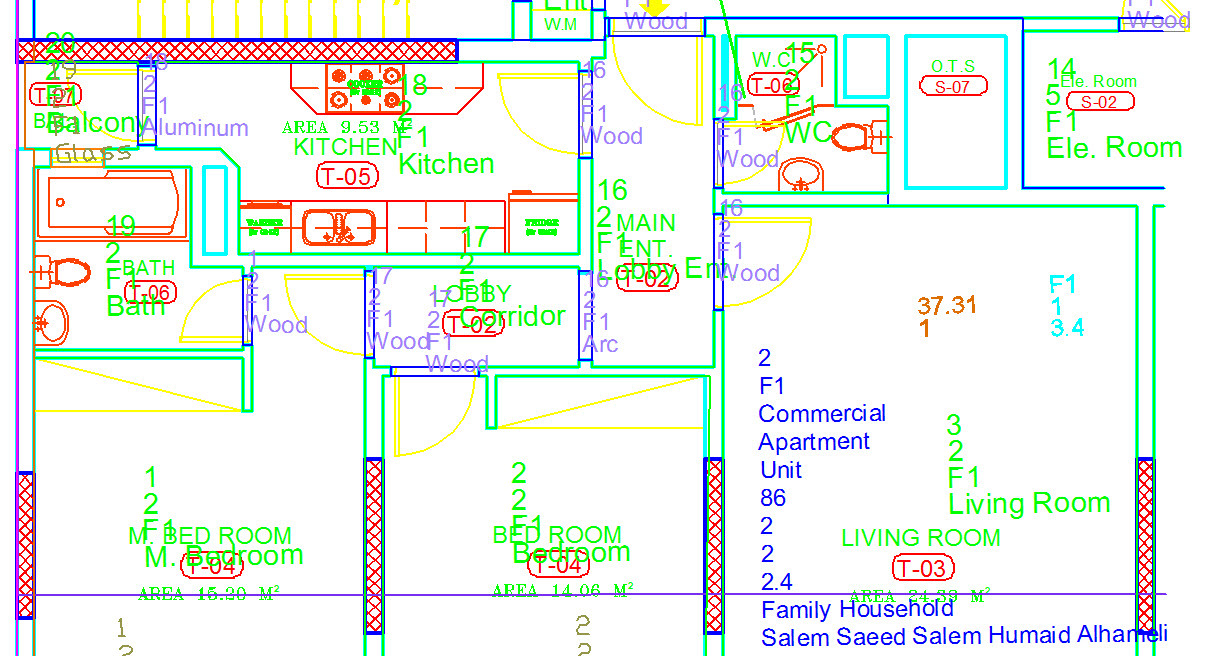
When I convert DWG to DWF from AuoCAD environment the output is very clear without any loss of objects as shown below
But when I convert DWG to DWF using FME Desktop 2015.1.3.0 the output is not at clear, looks distorted and has missing objects as shown below.
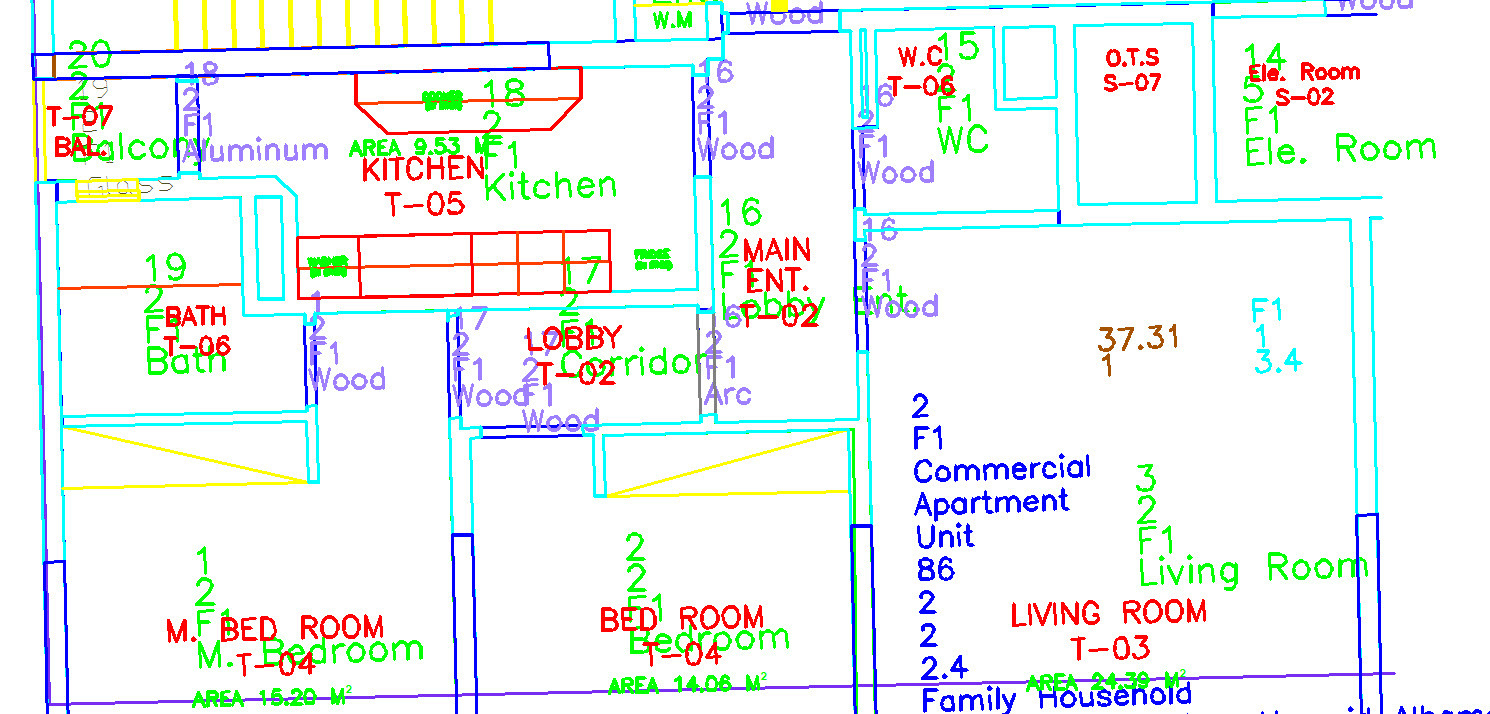
 

I tried various settings but still no success. Please let me know if you have any ideas or solutions


This post is closed to further activity.
It may be an old question, an answered question, an implemented idea, or a notification-only post.
Please check post dates before relying on any information in a question or answer.
For follow-up or related questions, please post a new question or idea.
If there is a genuine update to be made, please contact us and request that the post is reopened.

2 replies

xiaomengatsafe
Safer
Forum|alt.badge.img+11
Hi @sun761980. While we wait for an expert that might know more about this, just curious, would you be able to try this workflow in FME 2018.1? And see if things works better in the latest version? Thanks!


sprongandre
Forum|alt.badge.img

Hi @sun761980

When I want to convert dwg to dwf, my dwf is empty :-S.

Could you post an example workbench?

Thanks!