
Solved

Fme server app return a failure message if I use drag and drop way to put my input;

  • April 4, 2020
  • 4 replies
  • 75 views

lubna_najeh
Forum|alt.badge.img

Fme server app return a failure message if I use drag and drop way to put my input;

Hi All,

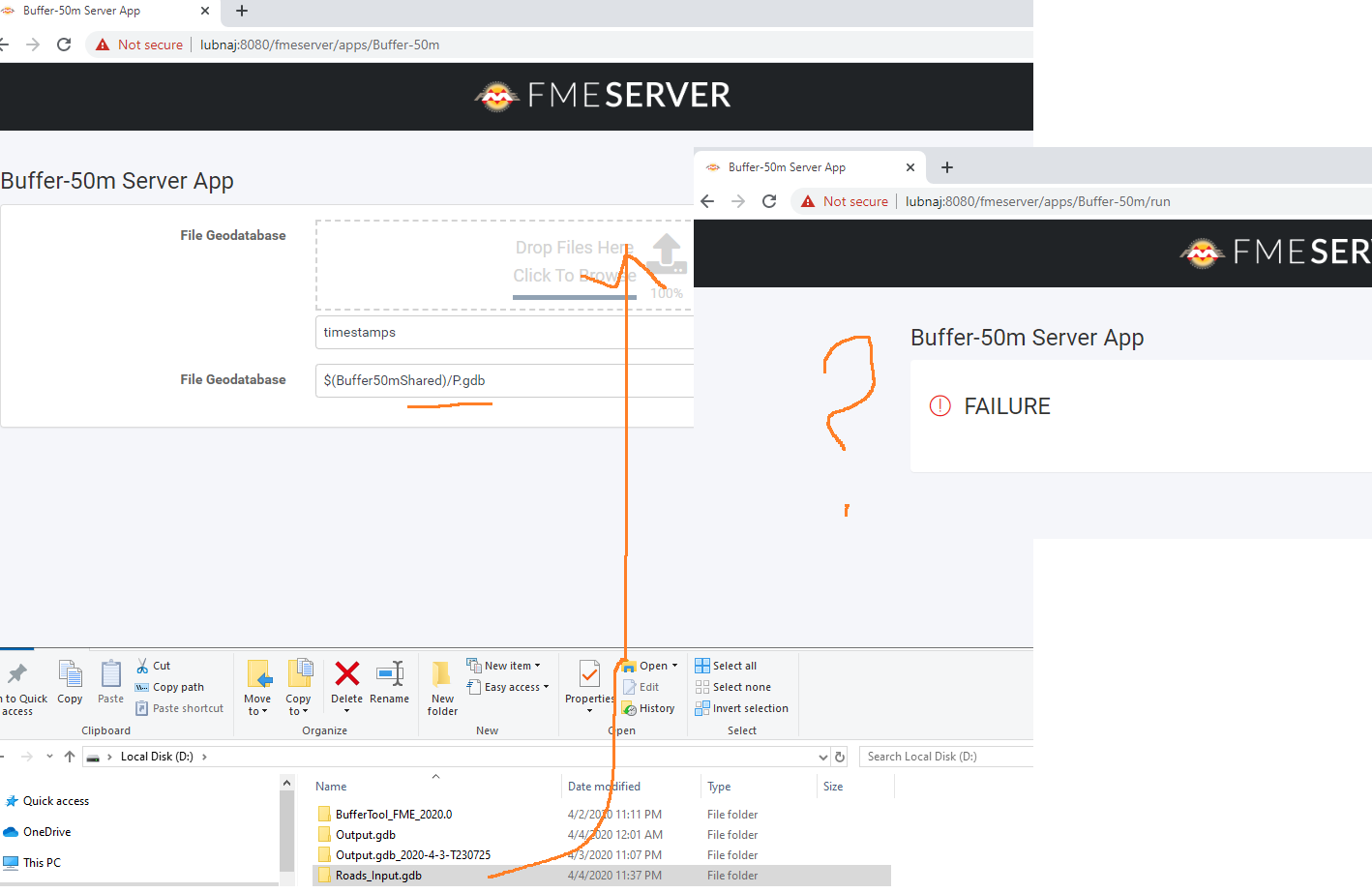
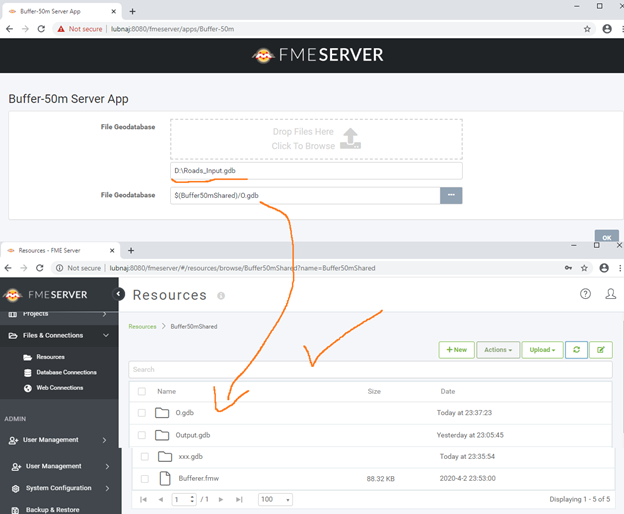
Despite the fact when I running an app and putting the input data for example like that "D:\\Roads_Input.gdb" which way is more diffecult to end user, the app will run successfully with no issues, but When I use the easier way which is drag and drop the gdb file, The app return a failure message!

What might be the issue here?
 

Best,

Lubna

Best answer by gerhardatsafe

Hi @lubna_najeh, this could be an issue related to the fact that the File GDB is a folder and not a file. Maybe try to zip up the folder and then try the drag & drop again. FME automatically unzips any input, so I would expect this to work.


I hope this helps!
This post is closed to further activity.
It may be an old question, an answered question, an implemented idea, or a notification-only post.
Please check post dates before relying on any information in a question or answer.
For follow-up or related questions, please post a new question or idea.
If there is a genuine update to be made, please contact us and request that the post is reopened.

4 replies

Forum|alt.badge.img

Hi @lubna_najeh, this could be an issue related to the fact that the File GDB is a folder and not a file. Maybe try to zip up the folder and then try the drag & drop again. FME automatically unzips any input, so I would expect this to work.


I hope this helps!

lubna_najeh
Forum|alt.badge.img
  • Author
  • April 6, 2020

Thank you @gerhardatsafe .

Yes, you are right, but how the end user would know that he should zip up the folder before drop it

What do you think?

Best


Forum|alt.badge.img+2

Thank you @gerhardatsafe .

Yes, you are right, but how the end user would know that he should zip up the folder before drop it

What do you think?

Best

Hi @lubna_najeh,

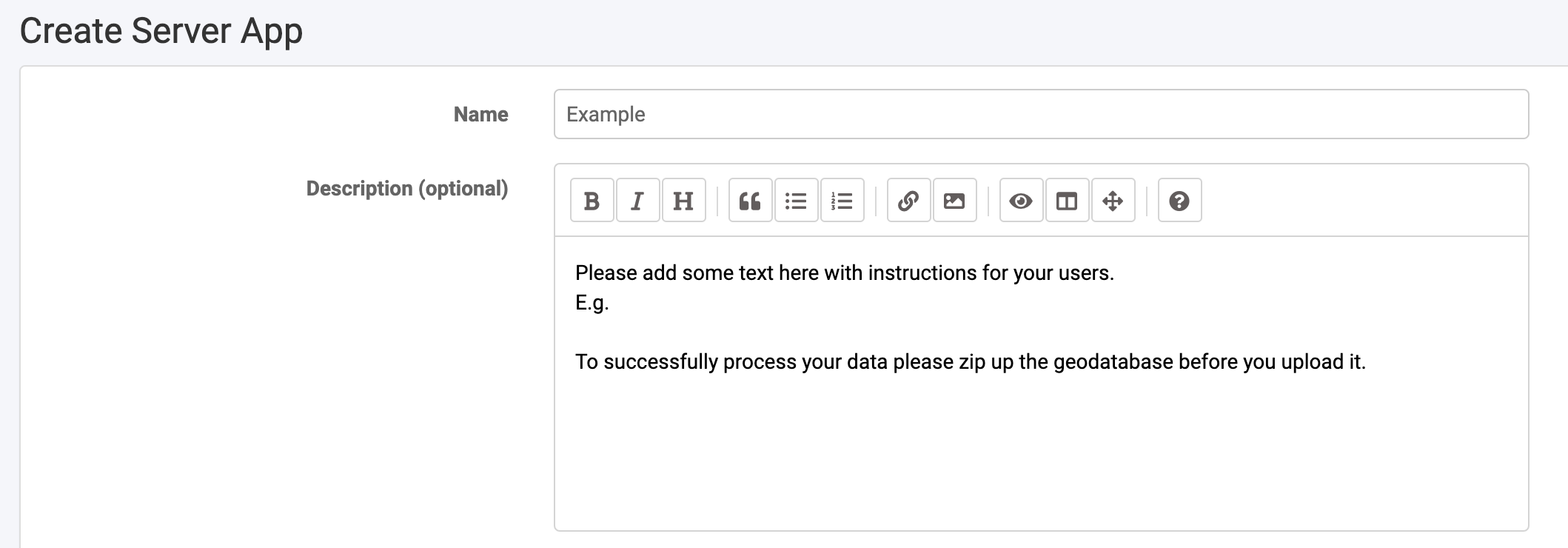
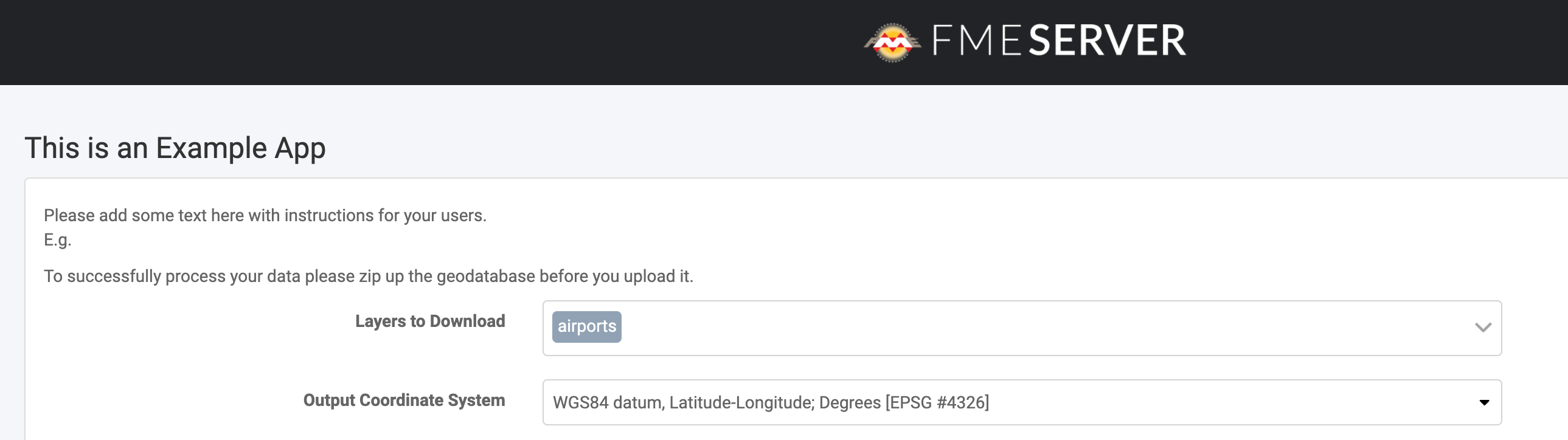
When you build the Server App I'd recommend adding a description with some instructions for the end user to ensure the file upload is successful.


The description will appear below the App title but before the user parameters. Optionally you can use Markdown to style this text including changing the size or making it bold so it stands out to the user.


lubna_najeh
Forum|alt.badge.img
  • Author
  • April 11, 2020

Hi @lubna_najeh,

When you build the Server App I'd recommend adding a description with some instructions for the end user to ensure the file upload is successful.


The description will appear below the App title but before the user parameters. Optionally you can use Markdown to style this text including changing the size or making it bold so it stands out to the user.


Yes @hollyatsafe ♦♦ ,It will be a helpful for the end user


Best,

Lubna