Question

Clip NDVI raster using shapefile file (area)

  • August 24, 2020
  • 10 replies
  • 82 views

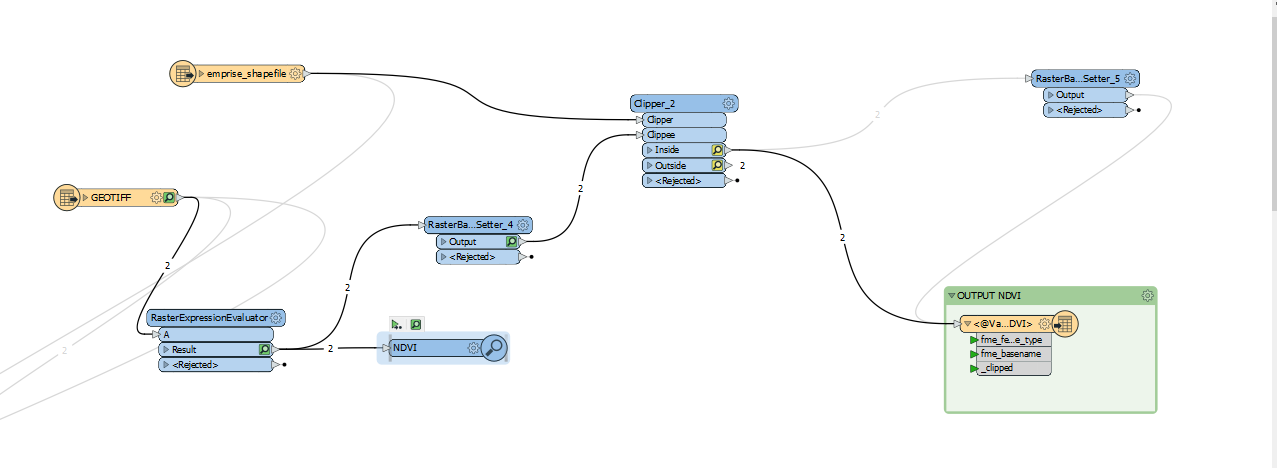
Hello everyone, I maked NDVI raster using RasterExpressionEvaluator and I want to clip it with a shapefile area. I use RasterBandNoDataSetter tranformer to remove all NoData Value (pixel = 0) but in my area, I have some pixels with NDVI value = 0 , so they are removed also. Have you got any idea to avoid this ?
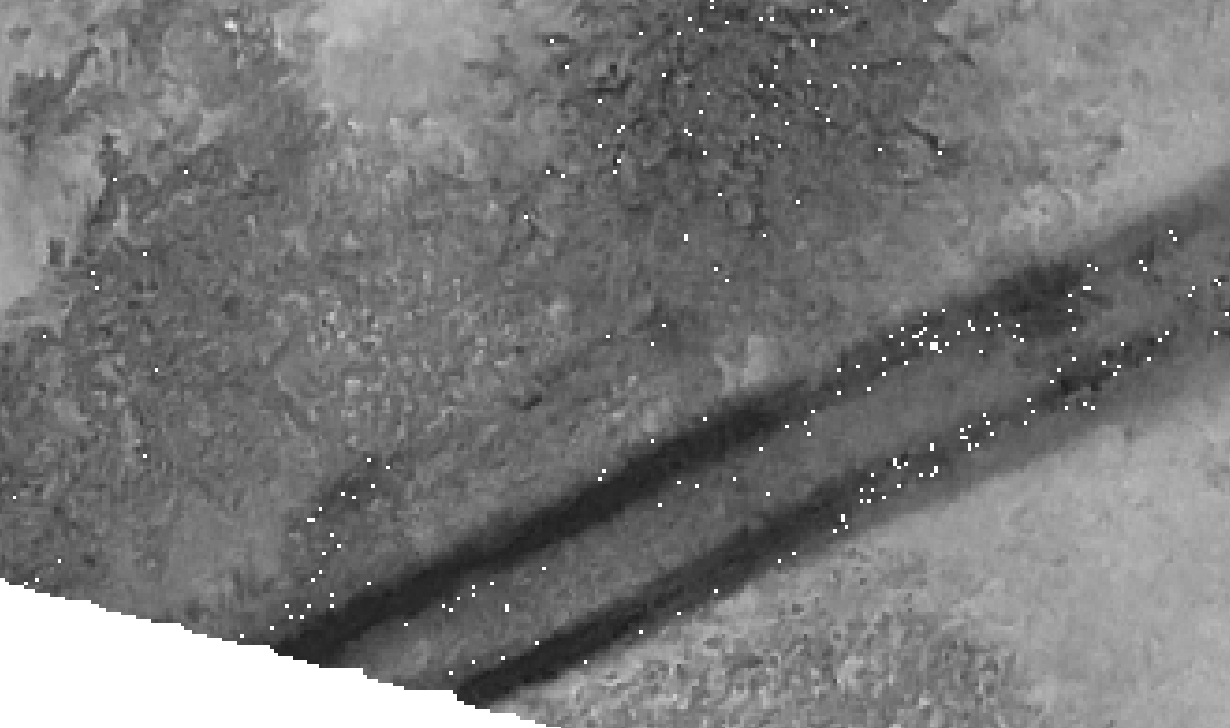
 

Annotation 2020-08-24 105939


Thks everyone for your help 🙂

This post is closed to further activity.
It may be an old question, an answered question, an implemented idea, or a notification-only post.
Please check post dates before relying on any information in a question or answer.
For follow-up or related questions, please post a new question or idea.
If there is a genuine update to be made, please contact us and request that the post is reopened.

10 replies

nielsgerrits
VIP
Forum|alt.badge.img+64

Put the RasterBandNodataSetter before the Clipper instead of after it. Then only the part which is clipped away will be nodata.


  • Author
  • August 24, 2020

Put the RasterBandNodataSetter before the Clipper instead of after it. Then only the part which is clipped away will be nodata.

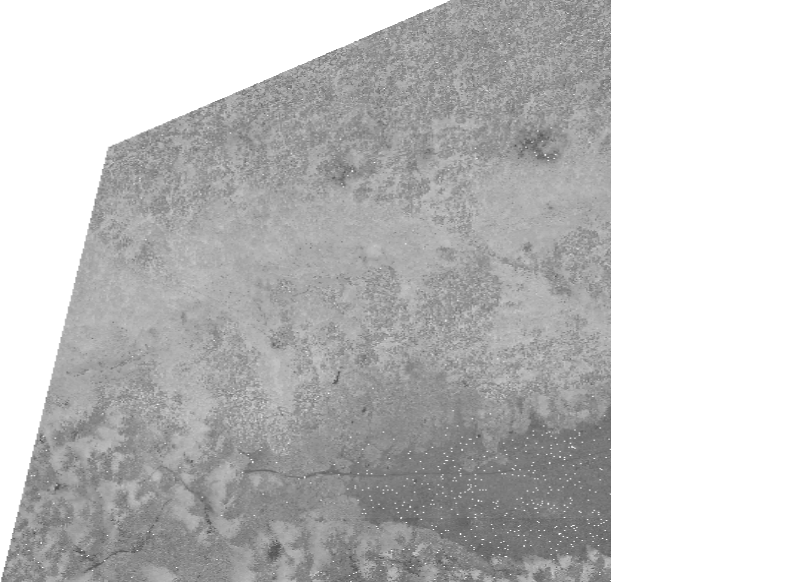
Annotation 2020-08-24 130759thanks for your answer. Effectively I read this method in another topic but doesn't work as I want! You can see here my Workbrench if you want


nielsgerrits
VIP
Forum|alt.badge.img+64

Annotation 2020-08-24 130759thanks for your answer. Effectively I read this method in another topic but doesn't work as I want! You can see here my Workbrench if you want
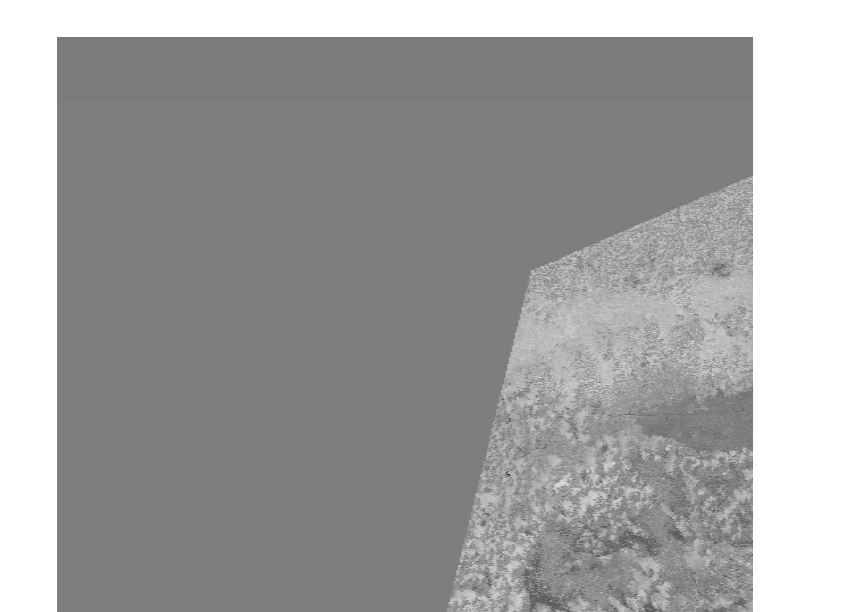
 

Bummer. Are you sure the cells do not already have NoData values to begin with? Or result from the RasterExpressionEvaluator?


  • Author
  • August 24, 2020

Annotation 2020-08-24 130759thanks for your answer. Effectively I read this method in another topic but doesn't work as I want! You can see here my Workbrench if you want
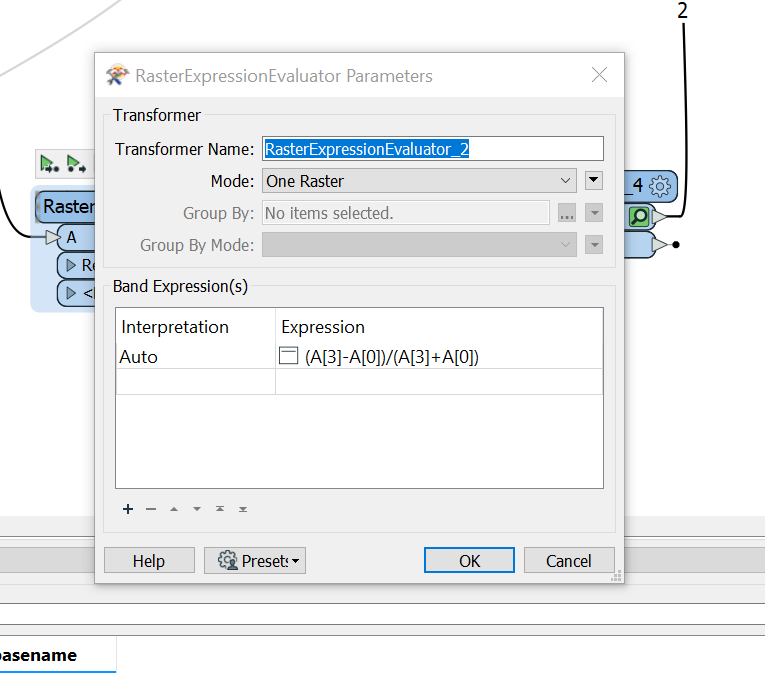
 

As input I have images which are composed by 5 bands so for NDVI calculation I use band 3 and band 0 (as you can see in attachment) maybe the problem is alpha band? Annotation 2020-08-24 143730Annotation 2020-08-24 143712Annotation 2020-08-24pngAnnotation 2020-08-24 143606


jdh
Contributor
Forum|alt.badge.img+40
  • Contributor
  • August 24, 2020

You have two options:


Use a different noData value that is not covered by your valid data range


Use an alpha band to identify NoData areas.


  • Author
  • August 25, 2020

You have two options:


Use a different noData value that is not covered by your valid data range


Use an alpha band to identify NoData areas.

I agree with you to use an alpha band, nonetheless I already use the band 3 which is an alpha band.. So maybe is it possible to convert the alpha band to band 4 ? Can you develop your proposition please ?


jdh
Contributor
Forum|alt.badge.img+40
  • Contributor
  • August 25, 2020

I agree with you to use an alpha band, nonetheless I already use the band 3 which is an alpha band.. So maybe is it possible to convert the alpha band to band 4 ? Can you develop your proposition please ?

It would depend on the software you are using whether or not you can specify the alpha band on a multiband (>4) image.


If it were me, I would create the NDVI as a separate image, so there would only be two bands, the NDVI and alpha, rather than add the NDVI band to the existing 5-band image.


  • Author
  • August 25, 2020

I agree with you to use an alpha band, nonetheless I already use the band 3 which is an alpha band.. So maybe is it possible to convert the alpha band to band 4 ? Can you develop your proposition please ?

Yes I think it seems to me to be the best and cleanest solution to create firstly my NDVI image and add alpha band ! So after my RasterExpressionEvaluator I use RasterBandAdder transformer and which valuers can I specify ? NoData value will be the value that I will remove after that's it ?Annotation 2020-08-24 130759


jdh
Contributor
Forum|alt.badge.img+40
  • Contributor
  • August 25, 2020

I agree with you to use an alpha band, nonetheless I already use the band 3 which is an alpha band.. So maybe is it possible to convert the alpha band to band 4 ? Can you develop your proposition please ?

It shouldn't be that complicated.


RasterExpressionEvaluator, band 0 is your NDVI band and the interpretation is presumably REAL32 to allow for a range of -1.0 to 1.0.


Band 1 is your alpha channel, set the interpretation to Alpha8 and the value to 255.


Send the results to your clipper. You do not need to set a NoDataValue, if there is one on the original data, it should be removed prior to the RasterExpressionEvaluator.


  • Author
  • September 16, 2020

I agree with you to use an alpha band, nonetheless I already use the band 3 which is an alpha band.. So maybe is it possible to convert the alpha band to band 4 ? Can you develop your proposition please ?

Annotation 2020-09-16 163252I tried to add alpha band before clipping, to specify my NoDataValue, and after clipping, I remove with RasterBandNodataSetter my value of NoDataValue, but when I want to write (save) TIF file, I have this error.


have you got a solution ?