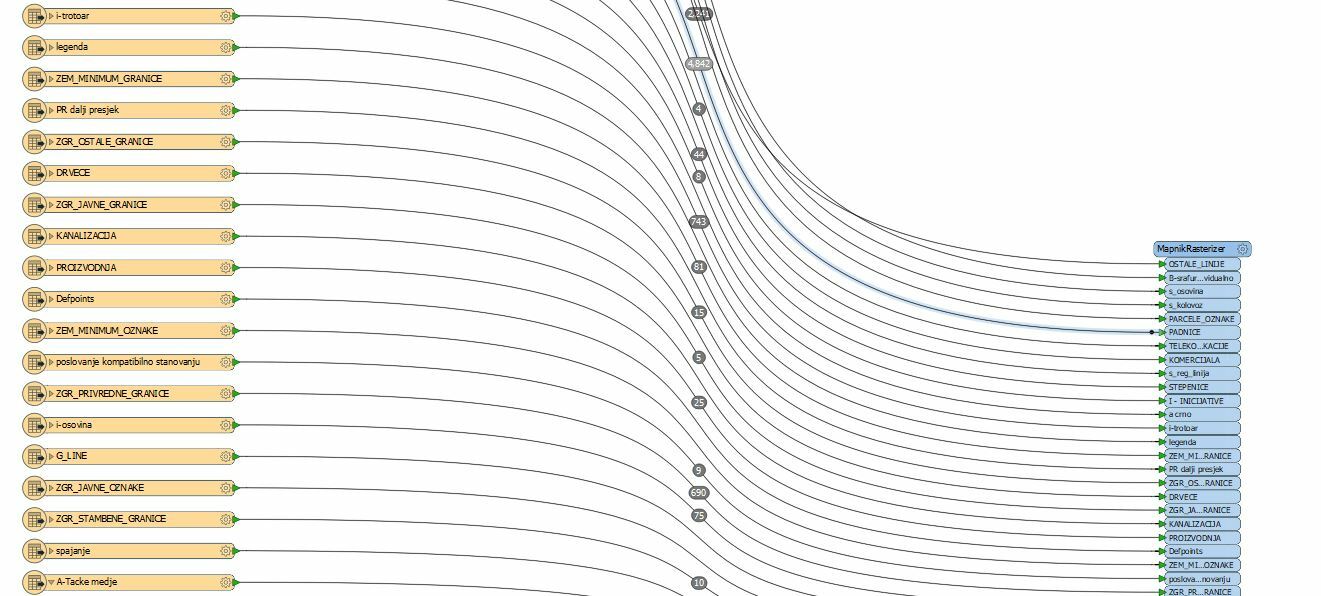
Hello, I have DWG file and I was wondering if I can somehow transform it to a GeoTIFF or just TIFF? Thank You in advance
This post is closed to further activity.
It may be an old question, an answered question, an implemented idea, or a notification-only post.
Please check post dates before relying on any information in a question or answer.
For follow-up or related questions, please post a new question or idea.
If there is a genuine update to be made, please contact us and request that the post is reopened.
You shouldn't connect the <Rejected> port to the GeoTIFF writter, it will output the original (vector) features and not a raster.
However, you should post the error messag generated from one of the rejected features here. They're a sign that something is wrong, perhaps in how the ImageRasterizer has been configured.
You shouldn't connect the <Rejected> port to the GeoTIFF writter, it will output the original (vector) features and not a raster.
However, you should post the error messag generated from one of the rejected features here. They're a sign that something is wrong, perhaps in how the ImageRasterizer has been configured.
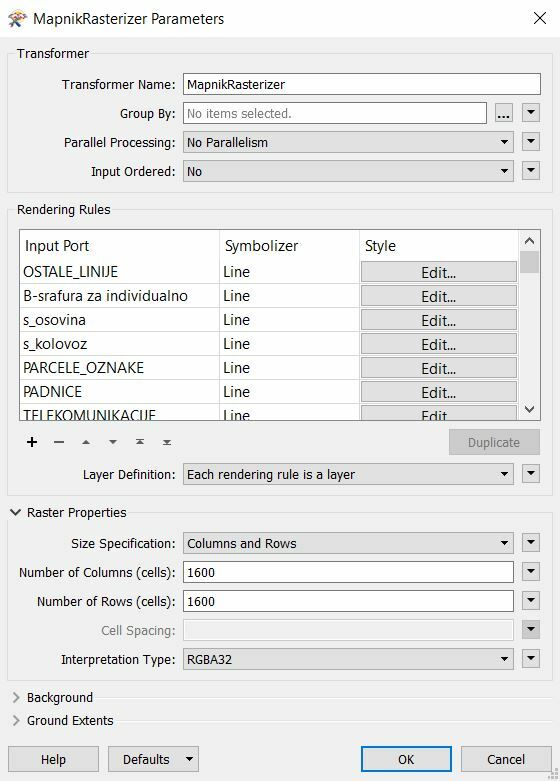
I am trying now with MapnikRasterizer but I am not sure if it will work.
GEOTIFF writer: Failed to obtain raster from feature. Only features with raster geometry are expected
A fatal error has occurred. Check the logfile above for details
... Last line repeated 2 times ...
ImageRasterizer: Failed to evaluate expression 'C:\\Users\\Dejan\\Desktop\\11.Plan parcelacije IND 2.dwg'. Result is set to null.
ImageRasterizer: Failed to evaluate expression 'C:\\Users\\Dejan\\Desktop\\11.Plan parcelacije IND 2.dwg'. Result is set to null.
Hi @maliodpalube, I'm afraid that you have set a wrong attribute to a parameter in the ImageRasterizer. Connect a Logger or Inspector to the Rejected port and run, then check how the fme_rejection_code attribute says.
did you add a feature color to the objects. prior to imagerasterizer?
I don't see it in your workspace. Use featurecolorsetter and set to the autocad color ( you can expose this on the autocad reader, use aply to all unless you like to click a lot..;))
Features without an fme_color attribute will be discarded.





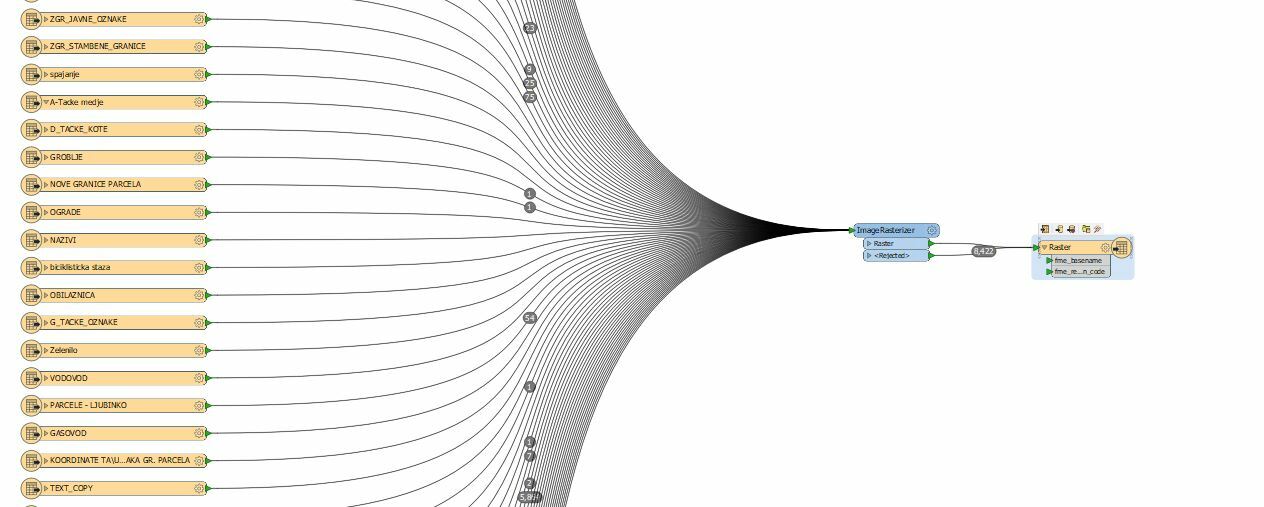 I have tried like this but it doesn't work. It gives me an error always.