I found that the Table View in Data Inspector (FME 2017.0 beta build 17153) exposes list elements when the user attributes only consist of list attributes.

I don't know whether it's an intentional behavior, but I think it would be definitely convenient if the Table View could expose list elements optionally. In the latest build, list elements cannot be exposed if the features have a regular (non-list) attribute.

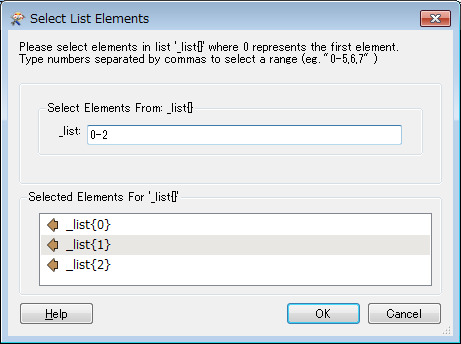
However, it would be too cluttered if all the list elements always were shown in the Table View Schema dialog. How about adding a functionality to the Table View Schema, so that the user can select and add list elements to the "Selected columns" list? The UI would be similar to this dialog used in Workbench.