


Question

Read "Tabular JSON" with Schema Separate from Values

  • February 3, 2026
  • 1 reply
  • 12 views

paul_m
Contributor
Forum|alt.badge.img+20

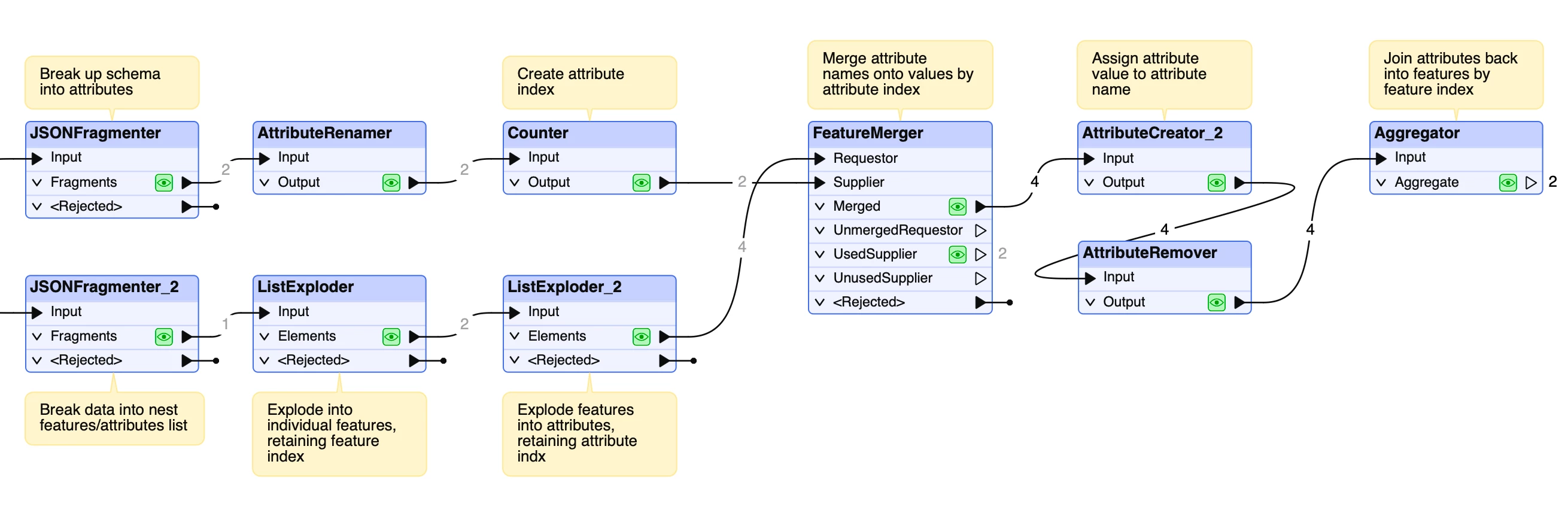
Does anyone know a good built-in or pre-created solution to read “Tabular JSON” that’s in a format of schema followed by values rather than key:value? See example below. I have ~40 schema values but only included 2. I’m looking for something dynamic rather than manually assigning column names in a specific order.

{
"schema": {
"title": "Data Export",
"type": "array",
"properties": {
"id": {
"title": "id",
"type": "integer",
"default": "",
"minimum": -2147483648.0,
"maximum": 2147483647.0
},
"code": {
"title": "code",
"type": "string",
"default": ""
}
}
},
"data": [
[
1,
"DEMO1234"
]
]
}

 

1 reply

paul_m
Contributor
Forum|alt.badge.img+20
  • Author
  • Contributor
  • February 3, 2026

Using the PythonCaller and AI Assist with a few small adjustments and an AttributeExposer (use import from data cache after running the PythonCaller), I was able to get this working for the most part. Here’s the code I used in the PythonCaller:

import fme
from fme import BaseTransformer
import fmeobjects
import json

class FeatureProcessor(BaseTransformer):
def __init__(self):
self.schema = None
self.data = None

def input(self, feature: fmeobjects.FMEFeature):
# Parse the JSON response from the _response_body attribute
json_response = feature.getAttribute("_response_body")
parsed_json = json.loads(json_response)

# Extract schema and data
self.schema = parsed_json.get("schema", {}).get("properties", {})
self.data = parsed_json.get("data", [])

# Process each row in the data array
for row in self.data:
new_feature = fmeobjects.FMEFeature()
for index, (key, value) in enumerate(self.schema.items()):
column_name = value.get("title", key) # Use the title from schema or fallback to key
new_feature.setAttribute(column_name, row[index])

# Output the new feature
self.pyoutput(new_feature)

def close(self):
pass