


Question

Find a bunch of dwg files and write to SHP

  • March 30, 2020
  • 1 reply
  • 61 views

ronmak
Contributor
Forum|alt.badge.img+5

Currently trying out FME in demo mode and am definitely green at FME so this is a beginner question.

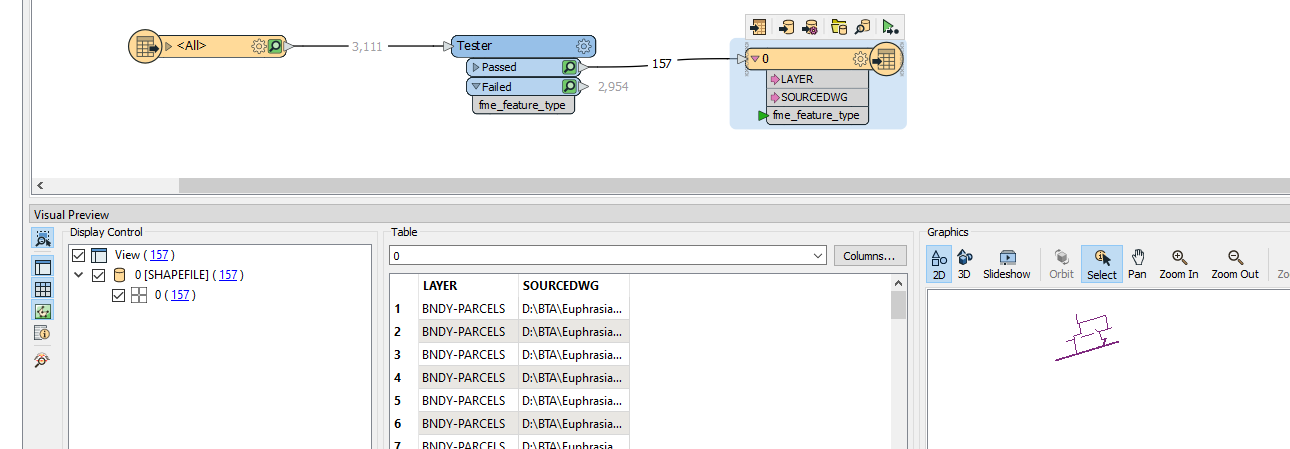
I currently have a workbench setup to read a single dwg, run it through a tester to filter out only the desired layers, and then write it to shp format with the dwg_name and layer_name as attributes.

I have also discovered the PATH reader which I have configured to search a drive and all sub-folders to generate a list of all of the dwg files I want to run through the above.

How do I combine them?

There is a related question 80618 "How to iterate through a list of .dwg file in order to convert them to .shp format" but I am not quite following it, and I have multiple sub-folders.




This post is closed to further activity.
It may be an old question, an answered question, an implemented idea, or a notification-only post.
Please check post dates before relying on any information in a question or answer.
For follow-up or related questions, please post a new question or idea.
If there is a genuine update to be made, please contact us and request that the post is reopened.

1 reply

oscard
Influencer
Forum|alt.badge.img+22
  • Influencer
  • March 30, 2020

If I have understood your goal, you need to do the following:

Add PATH Reader to get the path of al the *.dwg files of your folders and subfolders.


Add a FeatureReadr. Join the output of the PATH Reader to the FeatureReader. Configure the FeatureReader to read DWG files. The path of each dwg is given by the attribute "path_window" of the PATH Reader.


Add a SHAE Writer and join the output of the FeatureReader to it.