

Question

Failed SQL Server Database Connection

  • March 30, 2018
  • 1 reply
  • 38 views

Forum|alt.badge.img

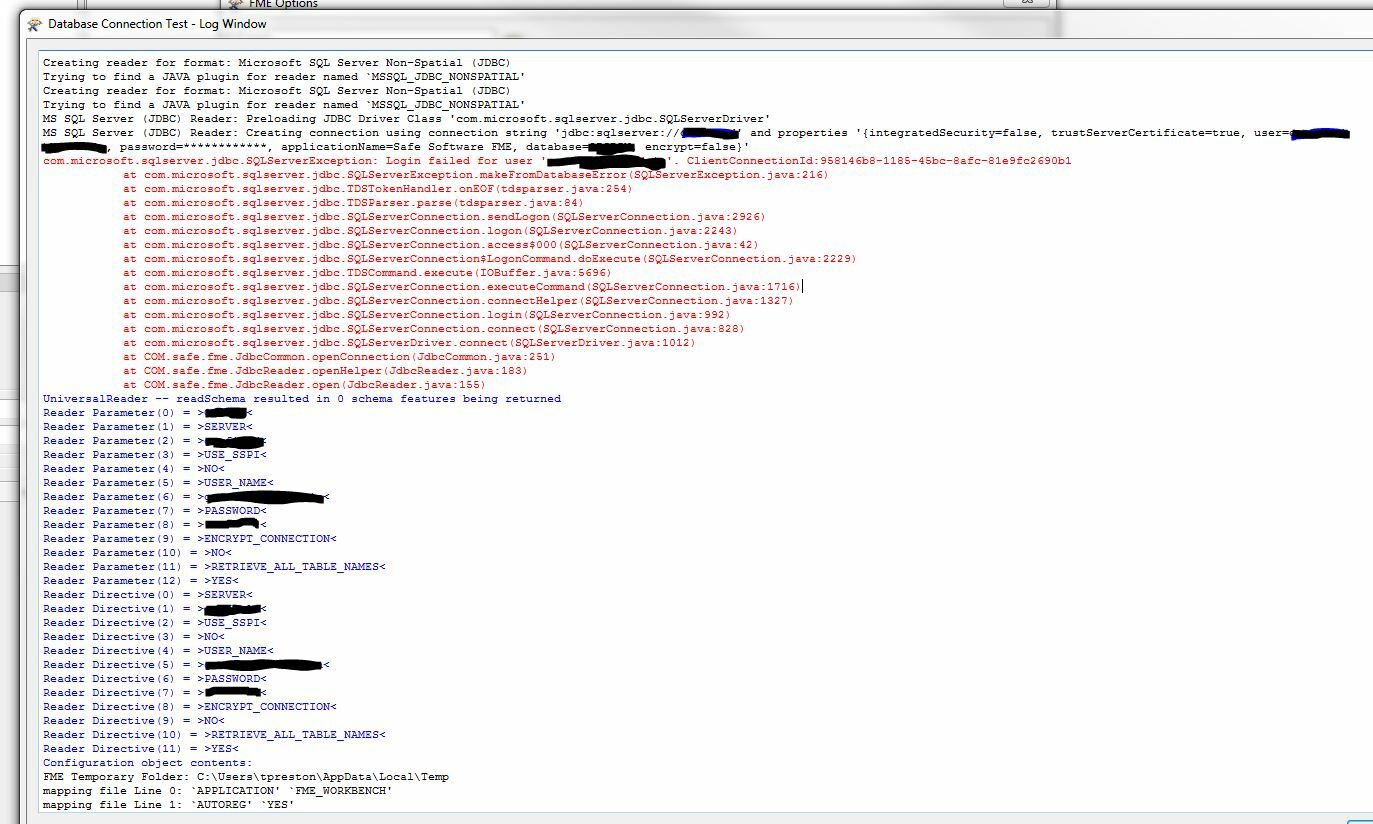
I am trying to create a database connection to a SQL Server Express instance on an in network server, but I'm not having much luck. I have made sure the TCP/IP is enabled, the TCP Port is set to 1434, TCP Dynamic Port is empty (I have tried multiple options there as well). The SQL Server Browser service is running. I have restarted the SQL Server service. I am able to ping the server. Does anyone have any other suggestions to try. This is the error I receive. Thank you!

This post is closed to further activity.
It may be an old question, an answered question, an implemented idea, or a notification-only post.
Please check post dates before relying on any information in a question or answer.
For follow-up or related questions, please post a new question or idea.
If there is a genuine update to be made, please contact us and request that the post is reopened.

1 reply

lars_de_vries
Forum|alt.badge.img+10

The default TCP port for SQL seems to be 1433, might that be the issue?
