Question

DGN Colours to GIS Attributes

  • April 19, 2017
  • 2 replies
  • 54 views

Forum|alt.badge.img

Hi all,

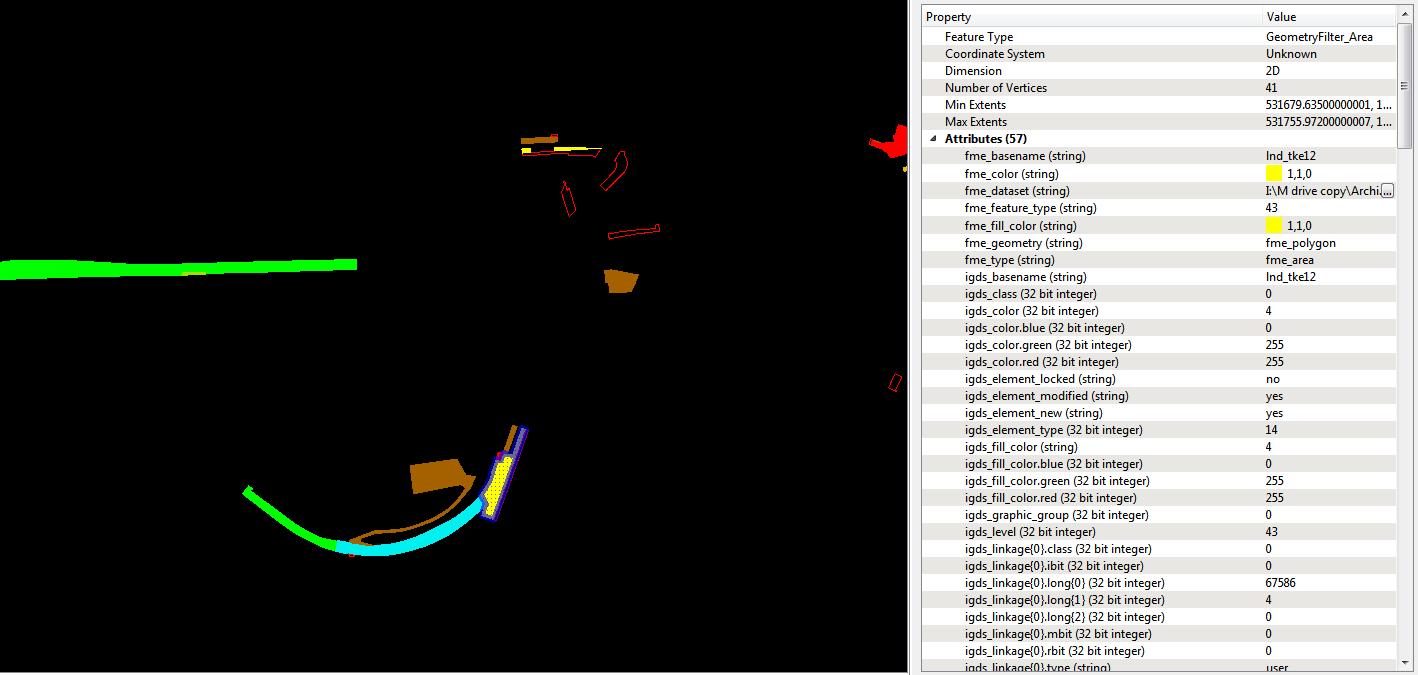
I've got a workbench where I'm trying to convert a series of dgns to a geodatabase. I have used the tester to filter out the colour white (which is the title block, the dgns are 20 years old) and then I've used a geometry filter to filter by 'area' so that I only get the polygons I need. The inspector gives me exactly what I want except that I now need to made the 'fme_color(string)' an attribute, for example I would like green (0,1,0) to be freehold in my geodatabase attribute table. Can anybody help me out? Thanks

This post is closed to further activity.
It may be an old question, an answered question, an implemented idea, or a notification-only post.
Please check post dates before relying on any information in a question or answer.
For follow-up or related questions, please post a new question or idea.
If there is a genuine update to be made, please contact us and request that the post is reopened.

2 replies

ebygomm
Influencer
Forum|alt.badge.img+46
  • Influencer
  • April 19, 2017

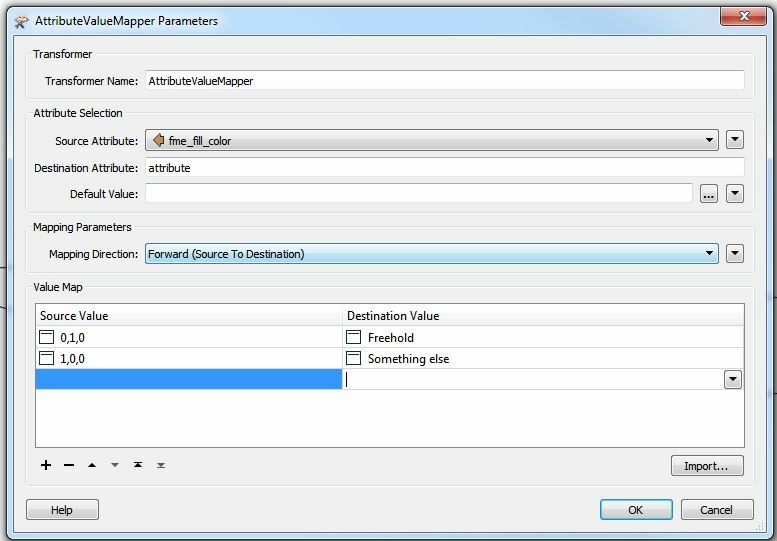
An attributevaluemapper is one way


erik_jan
Contributor
Forum|alt.badge.img+26
  • Contributor
  • April 19, 2017

Another (more flexible) option is to create a spreadsheet with columns for fme_color and any attributes you want to add.

Then use the Joiner (in FME 2017 renamed to DatabaseJoiner) to join these attribute values to the DGN features based on fme-color = fme_color.

That will allow you to modify the spreadsheet for additional color definitions. You could even use the MicroStation color to join (attribute igds_color).