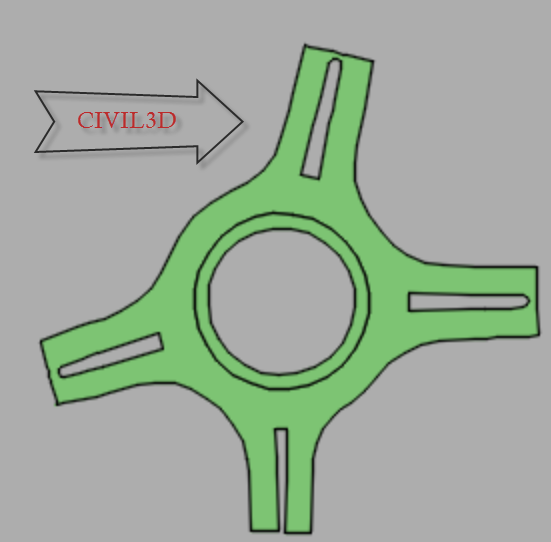
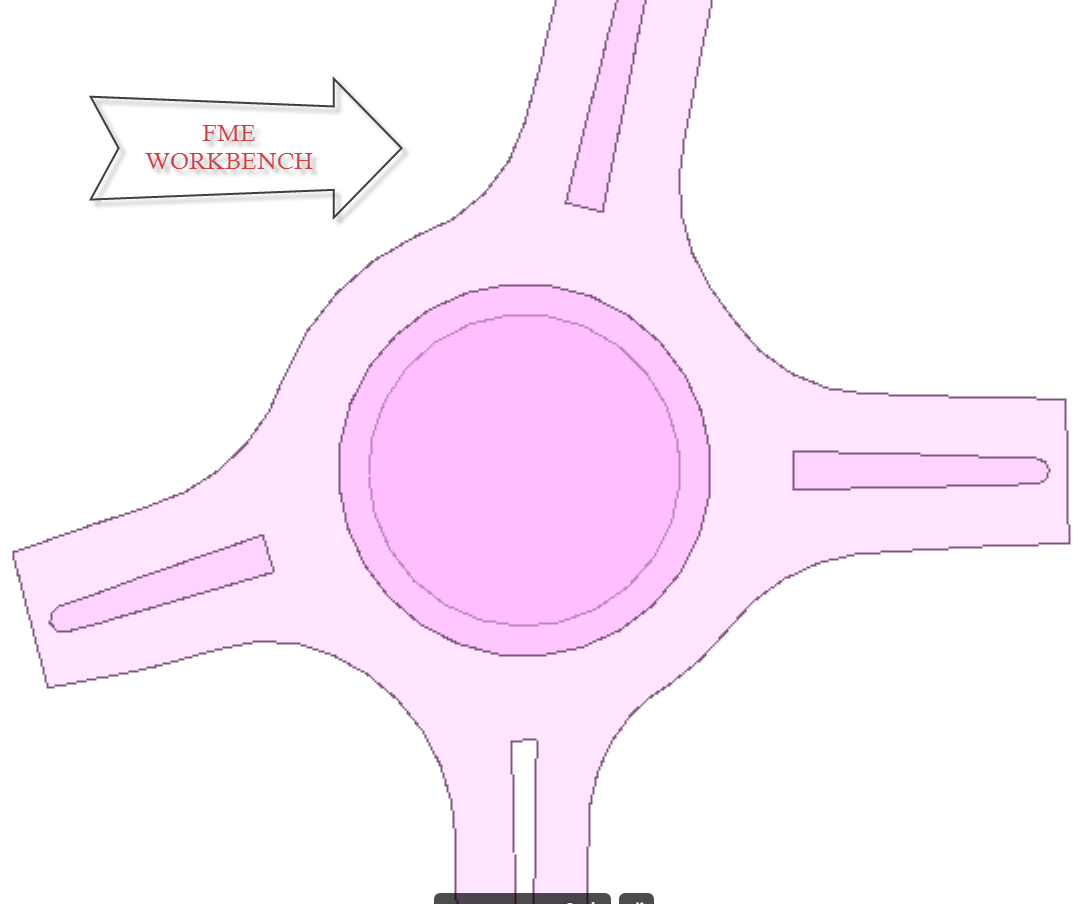
I have a road network in a shapefile (polygons). When I read the shapefile, all the roundabouts become multipolygons. I assume this is because of a error with island detection. When I read the same shapefile using Civil3d (Autodesk) the roundabouts are perfect single polygons.
I already tried it with a sdf and a gml, but the problems persist.
Can someone please tell me what I am doing wrong.. This is a problem I have faced a lot of times, any help would be much appreciated!
Best answer by david_r
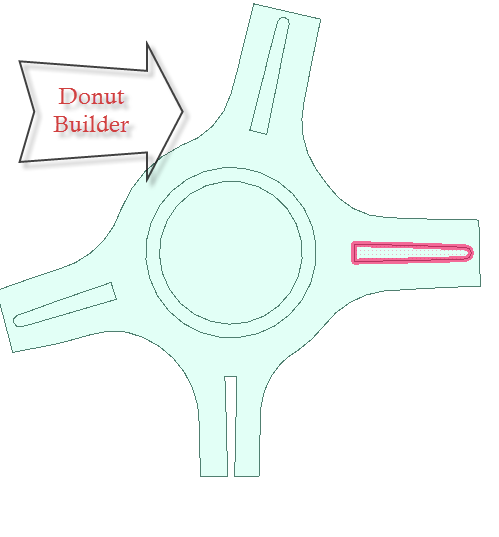
Did you try setting "Drop holes" to YES in the DonutBuilder?
This post is closed to further activity.
It may be an old question, an answered question, an implemented idea, or a notification-only post.
Please check post dates before relying on any information in a question or answer.
For follow-up or related questions, please post a new question or idea.
If there is a genuine update to be made, please contact us and request that the post is reopened.
What does FME Data Inspector/viewer say the geometry is? (If you click on a donut/hole geometry) - is it fme_donut or fme_aggregate? The SHP reader doesn't support aggregates - according to the reader doc - so might help explain it?
What does FME Data Inspector/viewer say the geometry is? (If you click on a donut/hole geometry) - is it fme_donut or fme_aggregate? The SHP reader doesn't support aggregates - according to the reader doc - so might help explain it?
Shape does support homogeneous aggregates, as long as you stick to point, line or polygon.
You could perhaps try reading the shape files with e.g. QGIS to see if there's a difference in the interpretation of the geometries.
Also make sure to try with the most recent version of FME, if that's not already the case.
Before posting the question I updated to the latest version.
I have succesfully 'transformed' the data in to the desired result using the donutbuilder and filtering on yes or no wheter a object is a hole or not. Unfortunately this means I need to transform the data, hopefully this does not alter the data in a way that is not easily detected. For now the data looks good.