Question

Font has changed

  • May 13, 2020
  • 4 replies
  • 84 views

Hi!

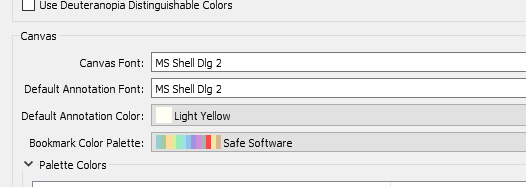
I'm using FME Workbench 2019.0 and overnight it has changed the appearance. Now the font is totally different and can´t get back my original settings. According to FME options this new font is the default and definitely it isn't that one. How can I change it? Any help here? Not a big deal but annoying..

Thank you very much in advance!!

This post is closed to further activity.
It may be an old question, an answered question, an implemented idea, or a notification-only post.
Please check post dates before relying on any information in a question or answer.
For follow-up or related questions, please post a new question or idea.
If there is a genuine update to be made, please contact us and request that the post is reopened.

4 replies

redgeographics
Celebrity
Forum|alt.badge.img+62

Is that font still available on your system? Can you find it in other applications?


  • Author
  • May 13, 2020

Is that font still available on your system? Can you find it in other applications?

Yes. It is there. I was using a normal simple one. And it is also in FME options. The problem is that it doesn't change the one that has appeared.

Now it says this is the default font. And even if i change it to for example arial, nothing happens. The same font remains...


redgeographics
Celebrity
Forum|alt.badge.img+62

Yes. It is there. I was using a normal simple one. And it is also in FME options. The problem is that it doesn't change the one that has appeared.

Now it says this is the default font. And even if i change it to for example arial, nothing happens. The same font remains...

Those only change the font used for transformers and annotations, the dialog boxes are not affected.


  • Author
  • May 14, 2020

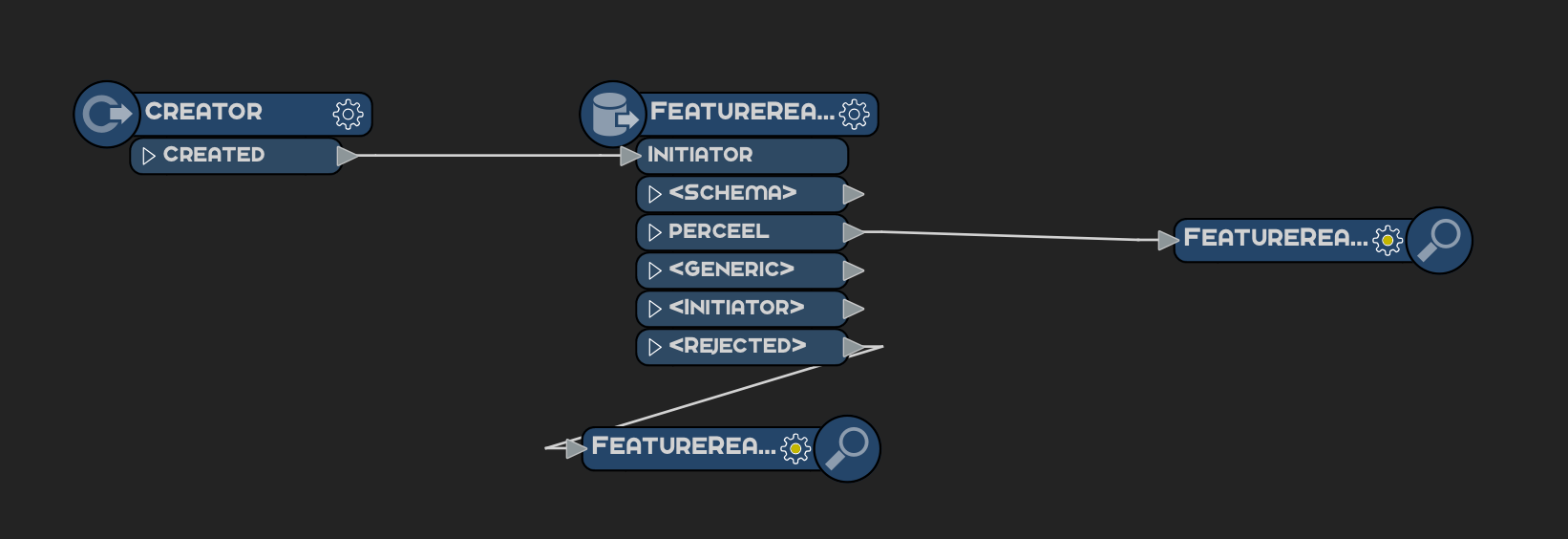
Thanks @redgeographics. Well, the point is that it does not change at all no matter what I do. Now font looks like this.

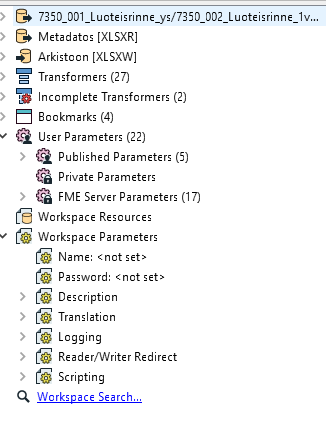
and also like this in may navigator.

I just want normal font and no this one.

Thanks!