


Hi everybody,
I have a similar issue to the one the creator of this thread has:
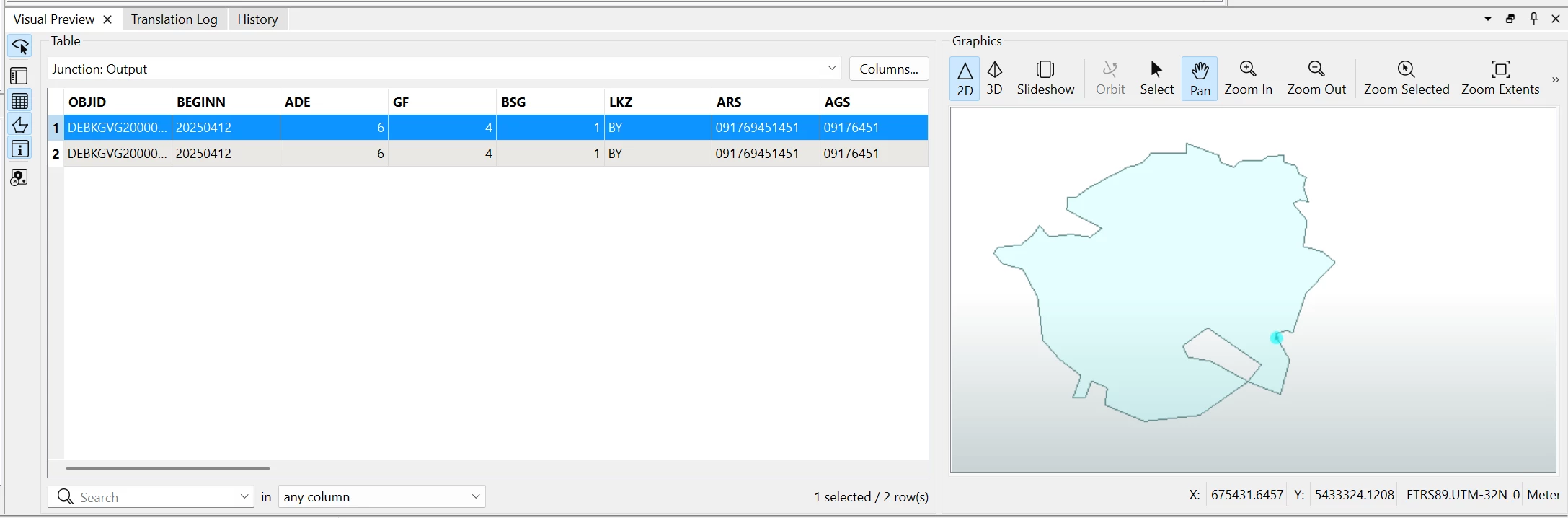
The difference is that I'm dealing with donuts. The workaround from Takashi (buffer issue location → dissolve → aggregate) doesn’t work with donuts. The reason why this doesn't work is explained here:
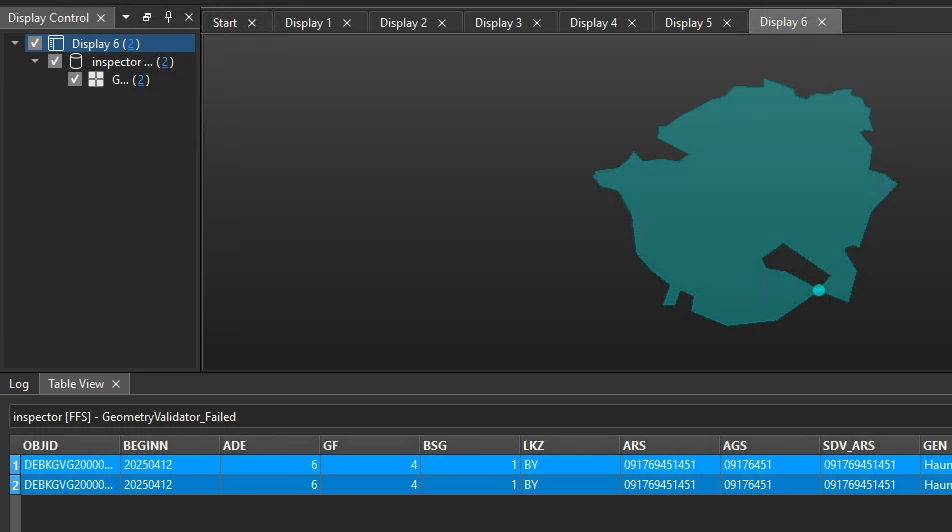
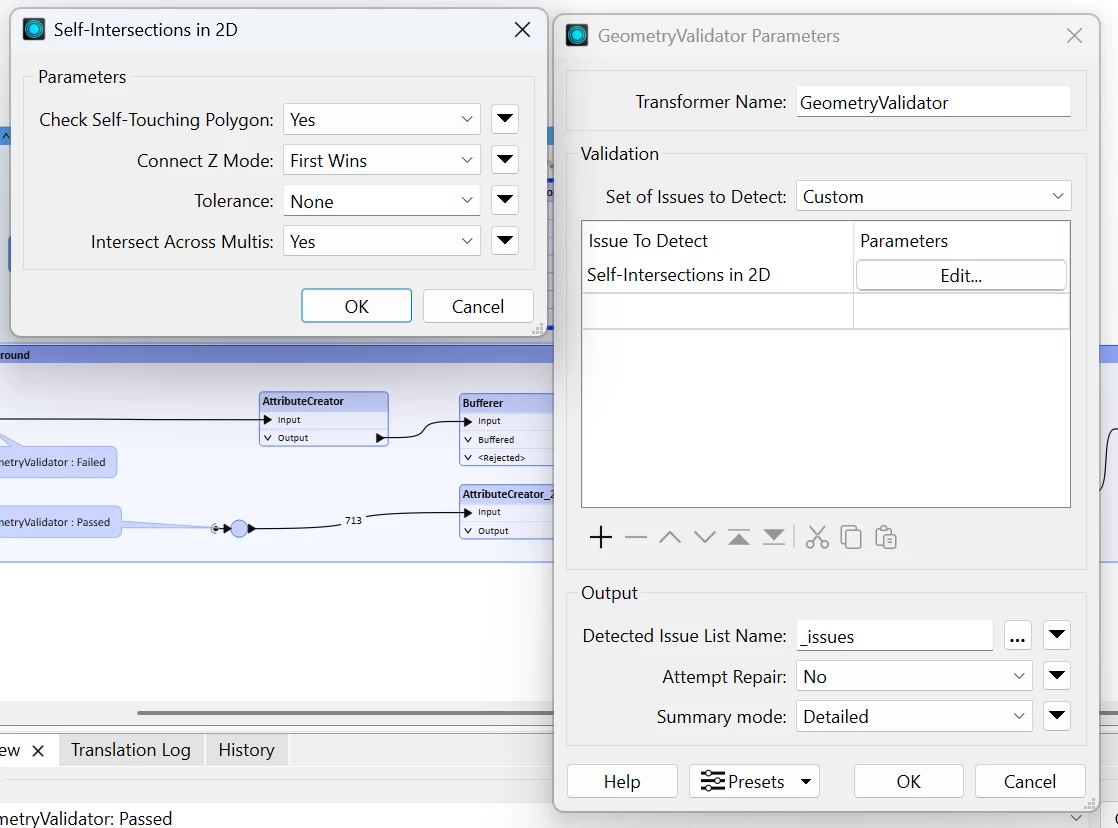
The GeometryValidator reports self-intersections in the wrong place for donuts. If I buffer the issue location, part of the donut that doesn’t need to be buffered gets buffered, and the actual issue location remains a problem. I also tried the GeometryValidator repair function, but this didn’t work either.
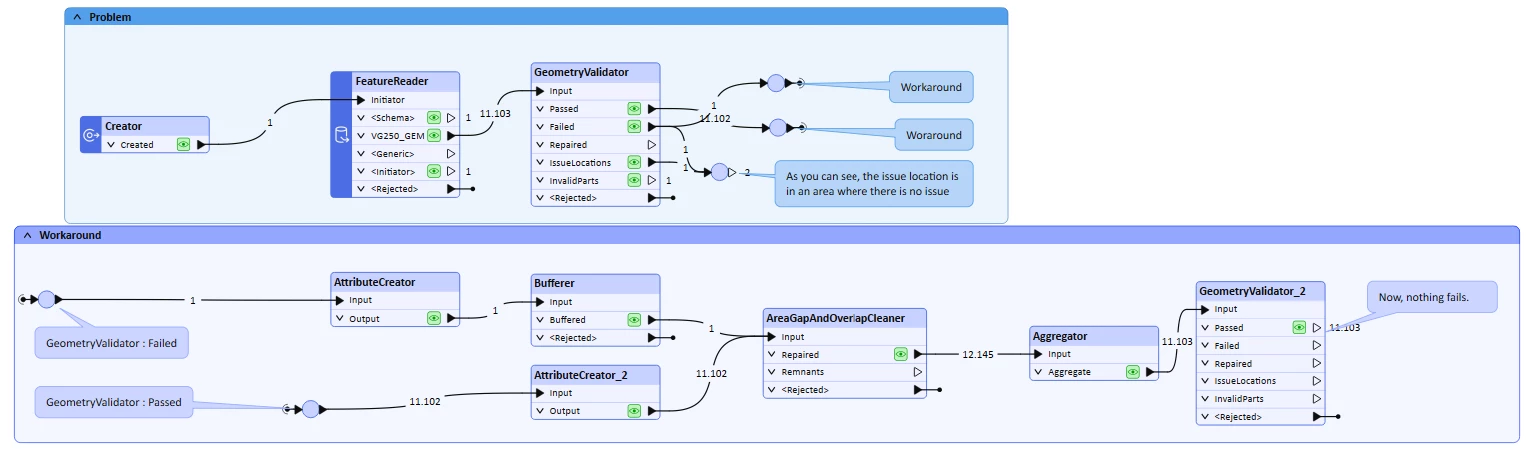
Attached is an example workflow which uses some public data that I use in the real workflow. You can download this data here (to big to attach): https://daten.gdz.bkg.bund.de/produkte/vg/vg250_ebenen_0101/aktuell/vg250_01-01.utm32s.shape.ebenen.zip
The workflow shows one example of the problem and my current workaround. Unfortunately, I can’t share the real workflow. In the real workflow, however, many geometries are generalised and much more data is included, which makes the problem much more common.
Currently, my best workaround is to buffer whole donuts by 2.5 - 3.5m. This obviously impacts the data quality, but I can’t find a better solution to the problem except to fix it literally by hand in ArcGIS Pro. However, this is too time-consuming as it impacts around 100 features in my workflow and I have to redo the process a couple of times. Does anyone know of a better workaround for this issue?
Many thanks in advance and kind regards,
Henning