



Question

Database Join for 20,000 features

  • April 1, 2026
  • 7 replies
  • 66 views

arnold_bijlsma
Enthusiast
Forum|alt.badge.img+16

This is one of those questions, where you think the answer should be straightforward yet eludes you, so hopefully somebody is able to help me out here.

I have 20,000 property IDs in my workbench, and I need to get additional attributes from a large PostGIS database table that contains several million records. This should be a simple join on the property IDs, but the problem is that FME is feature-based whereas any database is table-based.

If I put these 20,000 property IDs through a DatabaseJoiner, SQLExecutor or FeatureReader, it runs 20,000 individual queries rather than 1 single one, so is very slow and inefficient.

The second option (suggested by AI) is to write my property IDs to a temp table in PostGIS, and then do an inner join on the temp table. I don’t like this option as it means writing into my source PostGIS database, which is not a good idea. And writing the data into a table is ‘expensive’.

The third option would be to read all the properties from the PostGIS, and then do a FeatureJoiner or InlineQuerier, but we’re talking several millions of records, so not a desirable option.

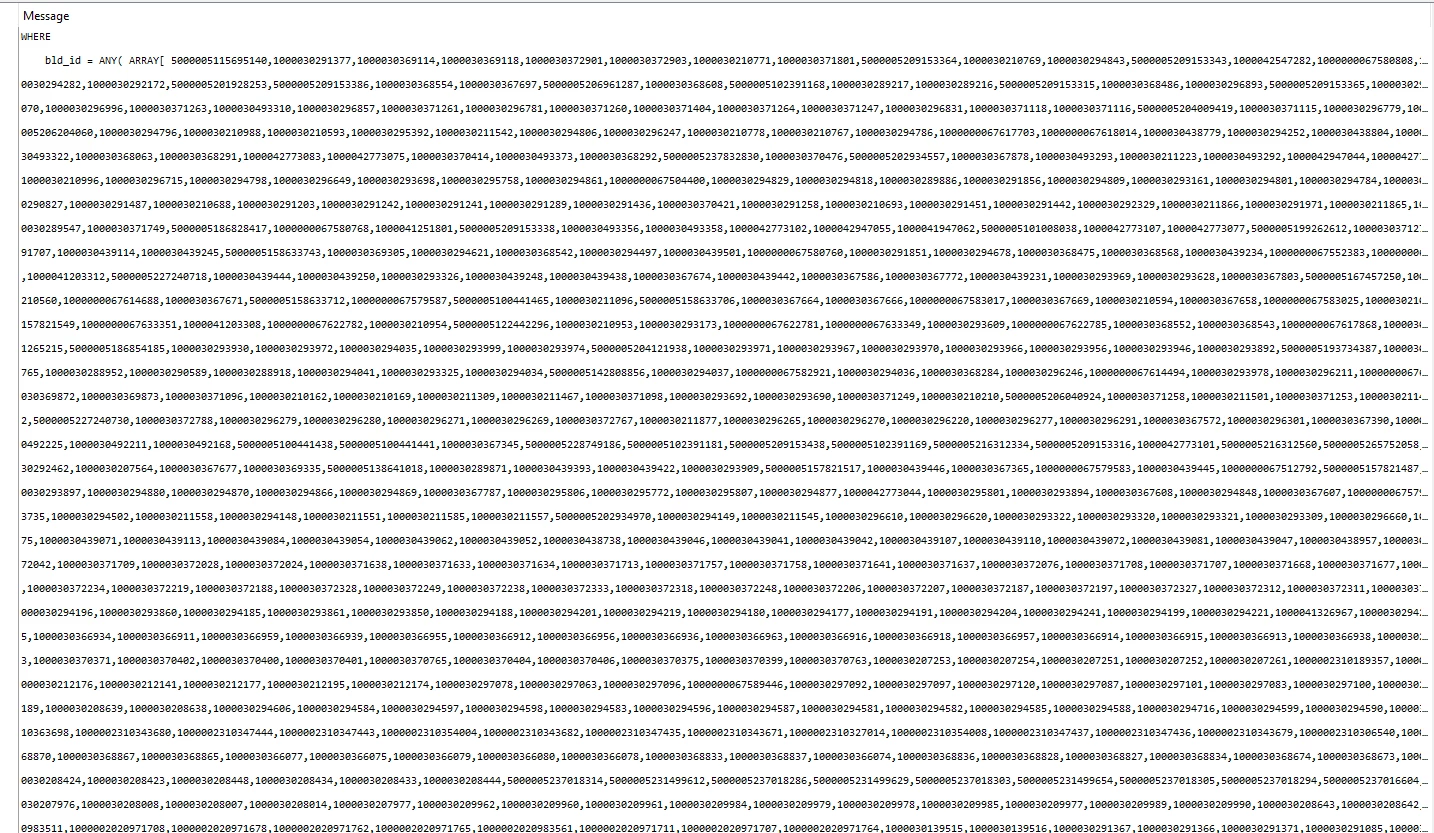
The fourth option, and the option I’m currently going for, is Aggregating all the property IDs into a very long comma-separated string, and then use an SQLExecutor to convert it to an PostGISarray, and then query all records where the Property ID is in that array.
This works and is fast enough, but the string is enormous (300,000+ characters long) (see screenshot); it just doesn't look good.

Any other ideas how to join a database table when you have a large number of features in your workbench?



7 replies

s.jager
Influencer
Forum|alt.badge.img+23
  • Influencer
  • April 1, 2026

Hmm. I’ve ran into similar problems as well (lots of data out of 2 different databases that cannot talk to eachother directly - something which FME is ideal for, but not with millions of rows...), and to be honest: I think your solution is fairly elegant. Of course it’s not ideal, but at least the database is doing most of the heavy lifting. I’ve never found a good workaround for this problem, and I’ve tried a fair few. But never this one, so I’m going to play with that I think. Have you encountered a limit on the amount of ID’s that you could send in one go? 


ebygomm
Influencer
Forum|alt.badge.img+48
  • Influencer
  • April 1, 2026

As long as I have write privileges to the database I tend to do the second option, I can get FME to get rid of the temp table afterwards.

I once got a phone call from a DBA after doing something like your fourth option asking me to please not construct a query like that again :-)


burgasser
Contributor
Forum|alt.badge.img+5
  • Contributor
  • April 2, 2026

You could do a combination of the first and fourth option.  Instead of one csv string, create 200 csv strings (100 entries each), and run the queries in parallel.


s.jager
Influencer
Forum|alt.badge.img+23
  • Influencer
  • April 2, 2026

As long as I have write privileges to the database I tend to do the second option, I can get FME to get rid of the temp table afterwards.

Hmmm. I do have a database (a 3rd one) that I have full control over. I might try this approach as well - but it can get messy real quick when creating, writing to and reading from, then deleting temporary tables. You have to prevent race-conditions, and with millions of rows that could become a problem. I’ve ran into that before: a very quick data-quality issue required me to read a table with about 6-7 million rows, alter a single attribute, then update the same row - I had to resort to a FeatureHolder in between because the database didn’t like it much when there were 2 connections, one reading from the same table that was being updated. The FeatureHolder sorted that, but I ended up doing a quick SQL fix instead (even if that required me to go through my DBA instead of doing it myself).


I once got a phone call from a DBA after doing something like your fourth option asking me to please not construct a query like that again :-)

Did he give a reason? I’d be interested to hear why you shouldn’t do that (I can imagine during office hours it would put to great a strain on the DB if it’s Production, but scheduled outside office hours it shouldn’t really be an issue I’d think - but I’m no real DBA...).


arnold_bijlsma
Enthusiast
Forum|alt.badge.img+16

Have you encountered a limit on the amount of ID’s that you could send in one go? 

Apparently, a PostgreSQL field can be 1GB in size. I use BIGINTs, which are 8 bytes each, so theoretically(!) one could load 134 million IDs in an array… But realistically, it will probably be a lot less.
As I mentioned, it works fine for my 20,000. And I’m not expecting many catchments that are going to be much larger than that, so my solution works.


You could do a combination of the first and fourth option.  Instead of one csv string, create 200 csv strings (100 entries each), and run the queries in parallel.

I agree, if the performance deteriorates above a certain number, it’s worth splitting it into a couple of  buckets.


As long as I have write privileges to the database I tend to do the second option, I can get FME to get rid of the temp table afterwards.

I once got a phone call from a DBA after doing something like your fourth option asking me to please not construct a query like that again :-)

How do you send your 20,000 features to a temp table in your database? Aren’t you running into the same problem that I have: you can’t put it through an SQLExecutor, because it would be called 20,000 times.
You can use a FeatureWriter I guess, but that would create a permanent table that you’d have to delete further downstream. Going down this route, I’d prefer to use a native “CREATE TEMP TABLE” SQL command.
And somehow, I feel this option is going to end in tears someday, either mine or the DBA’s ;-)


There is another option I tried: DuckDB. DuckDB can join tables from two different databases (unlike PostgreSQL), and it has a postgres extension, so you can run queries on PostgreSQL tables using a DuckDB connection in an SQLExecutor. The only problem is that one database connection can comes from your Database Connections, whereas the second database connection needs to be stored in your code, i.e. username and password. You can hide those details inside a (password-protected?) custom transformer, and/or play with ‘persistent secret’ files. But the fact remains that you have your  connection details hard-coded and in a dedicated place, which doesn’t make it very portable/future-proof.

I guess I’m might be looking for a solution that doesn’t exist, and that my long string of 20,000 concatenated strings may be the most elegant one.


nordpil
Enthusiast
Forum|alt.badge.img+12
  • Enthusiast
  • April 2, 2026

I have done it with this workflow in the past: assemble batches of e.g. 1000 id’s per batch and then get those from the PostGIS table using a FeatureReader or SqlExecutor:

SELECT
attributeA
, attributeB
FROM
bigtable
WHERE
id in (myQueryString)

That way you don’t have to do 20000 individual queries


s.jager
Influencer
Forum|alt.badge.img+23
  • Influencer
  • April 2, 2026

I guess I’m might be looking for a solution that doesn’t exist, and that my long string of 20,000 concatenated strings may be the most elegant one.

I’m afraid that is true. That, or you’ll have to accept that some workspaces just take a very looooong time to execute (which I’ve done for a few - although it helps if they’re scheduled in the middle of the night and on our FME Flow server - that makes a difference, probably because the server can use more memory than my poor abused laptop has).