


Question

Read text from API POST as input for automation

  • May 8, 2026
  • 2 replies
  • 22 views

scarecrow
Contributor
Forum|alt.badge.img+5

Hi All,


I’m sure this is very simple but I can’t seem to get it to work.

I want to take the text body sent to my automation via a webhook and use it as the input to my workspace.

So this would be the POST
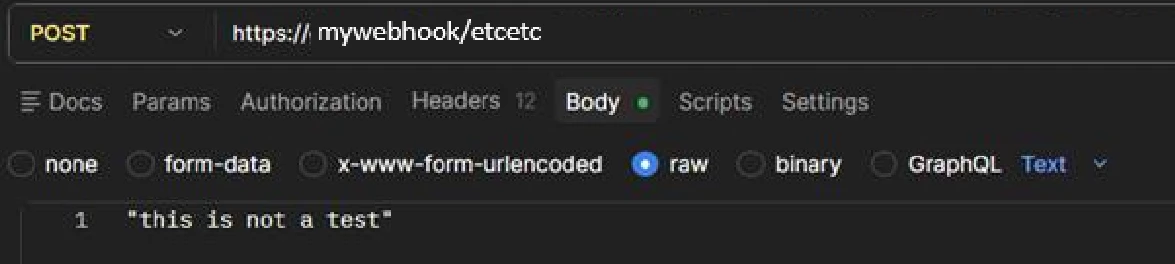
 

I’d then like to pass “this is not a test” into the workspace POST_test (below) so that I can process it further in the workspace.
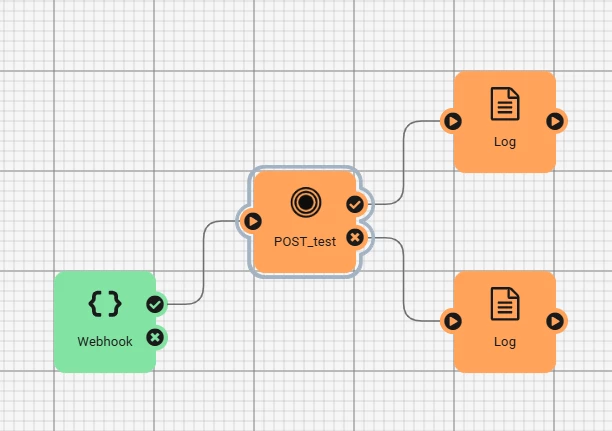
 

I imagine the issue is that I’m not defining where the information is coming from when entering the workspace, which is just a text file reader and text file writer for the purposes of this test.

I followed this tutorial and can trigger the workspace using this method but I cannot get it to read the text directly from the body.Send Source Data to FME Flow with HTTP POST – FME Support Center

Further searching suggested setting the source as a user parameter.
I’ve tried to set the input as text string using a user parameter but this doesn’t remain in the reader after clicking ‘ok’.
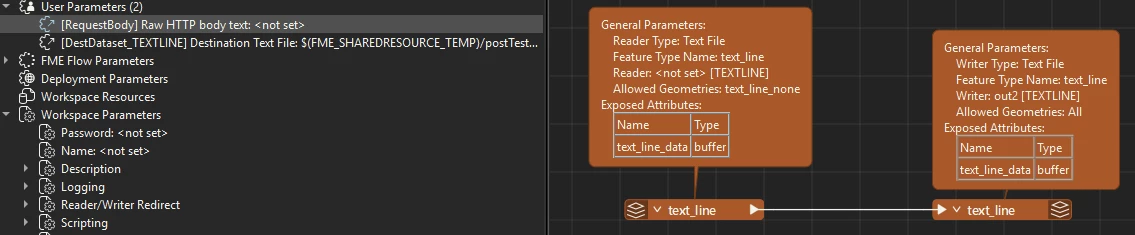

I’m using Flow 2024.0.5 and the V3 REST API

TIA
2 replies

david_r
Celebrity
  • May 8, 2026

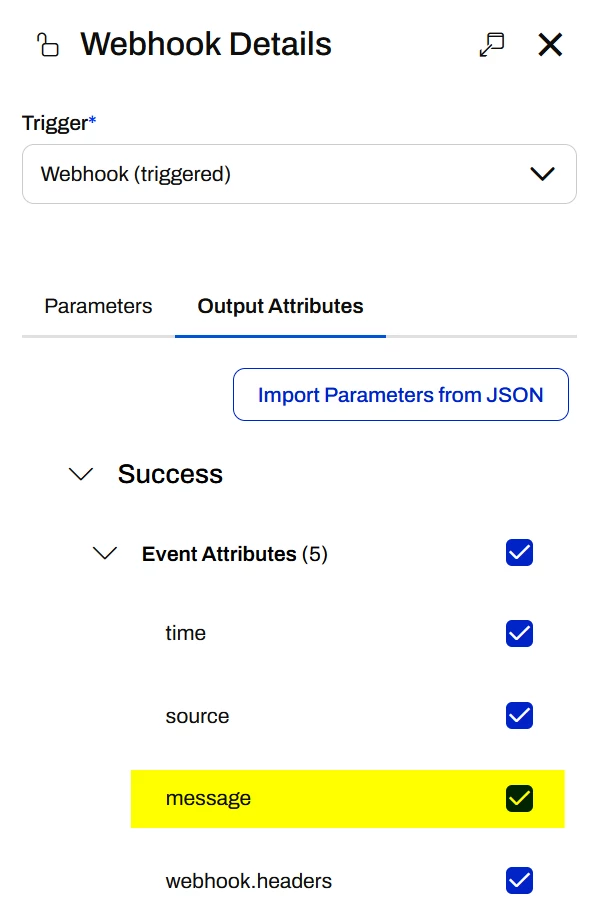
You have to link the webhook message to a published parameter of your workspace. First make sure the event attribute “message” is activated on the webhook trigger:

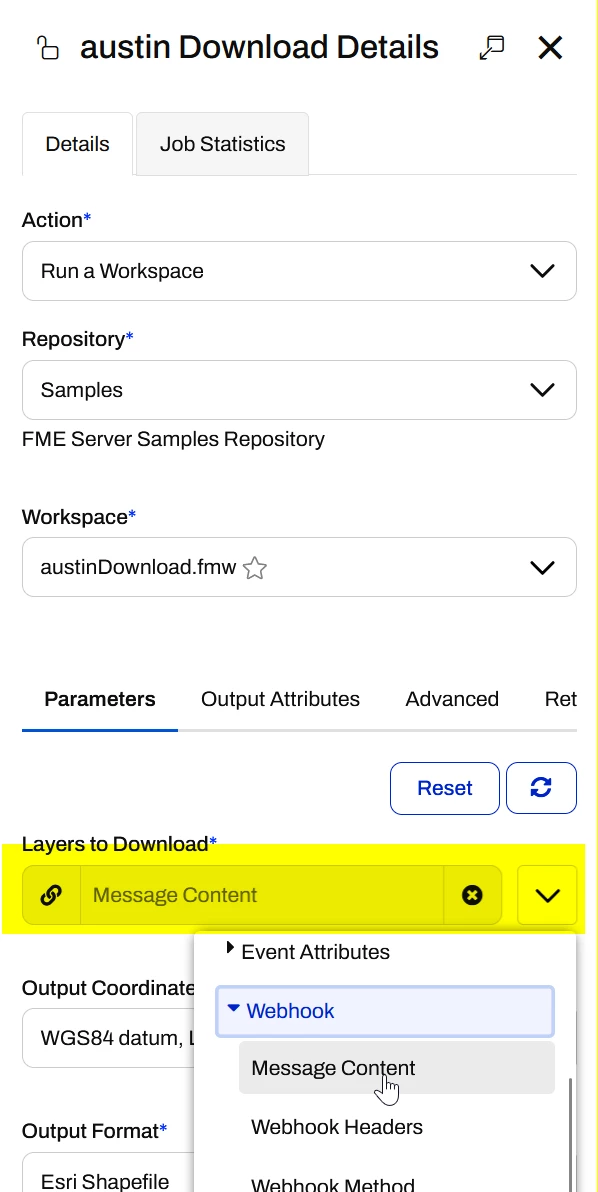
Then on the workspace, attribute the webhook message content to a published parameter, e.g.


This published parameter should be a simple text parameter, which you can access e.g. with a ParameterFetcher. Note that the message content is not a file, so you cannot link it to e.g. a text file reader.


nielsgerrits
VIP
Forum|alt.badge.img+66

I do not have an answer but I think 2 different routes exist and you might be mixing things.

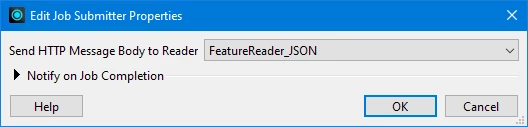
One is to create a workspace with a FeatureReader and point to that during publishing.

Then create a webhookurl from the workspace in server.

Url looks like:

https://<domain>/fmejobsubmitter/<repository>/workspace.fmw?opt_showresult=false&opt_servicemode=sync&token=<token>

This is the one I use and have experience with.


The other route is using the Automations webhook.

Url looks like:
https://<domain>/fmeapiv4/automations/<id?>/<token?>/message